
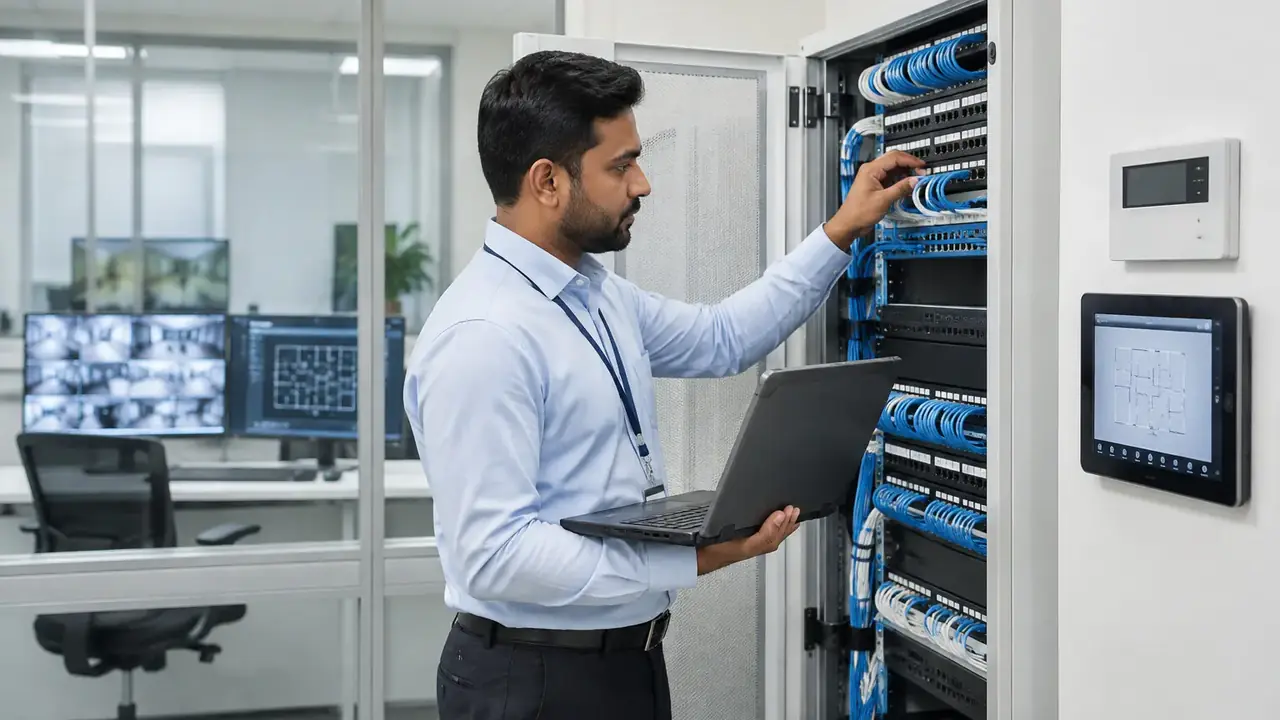
An access control system decides who can go where and when, and records every attempt. Choosing one is less about the reader and more about the credential, the controller, the door hardware and how the system connects to everything else.
The parts of an access control system
- Credential: card, fob, fingerprint, face or phone.
- Reader: reads the credential at the door.
- Controller: makes the decision and stores events, even when the server is offline.
- Door hardware: electric locks, maglocks, door contacts, exit buttons and break-glass units.
- Software: manages users, schedules, alarms and reports.
Card credentials
Cards remain the most common credential. The important choice is the card technology. Older low-frequency proximity cards are easy to copy. Encrypted smart cards, such as current secure MIFARE DESFire generations, protect the data on the card and are far harder to clone. For new systems, choose encrypted credentials.
Biometric credentials
Fingerprint and face recognition remove the problem of lost or shared cards. They suit server rooms, labs and staff entrances. Consider throughput at busy entrances, how readers perform in direct sunlight, hygiene preferences and privacy. Store biometric templates securely and only as long as needed.
Mobile credentials
Phones can act as credentials using Bluetooth or NFC. They are convenient for staff and easy to issue and revoke remotely. They need a management platform and a plan for visitors or staff without suitable phones.
Controller and wiring choices
Readers traditionally connect to controllers using Wiegand, which is simple but not encrypted. OSDP (Open Supervised Device Protocol) adds encryption and supervision of the reader cable. For new installations, OSDP is the better choice where readers and controllers support it.
Door hardware and life safety
The lock must suit the door and the escape requirements. Electric strikes, electromagnetic locks and motorised locks each behave differently on power loss. Doors on escape routes need safe exit, and interfaces with the fire alarm system must follow the approved fire and life safety design for the building.
Integration
- CCTV: link door events to camera views. See CCTV installation in Dubai.
- Intercom and visitor systems: release doors remotely and issue temporary access.
- Lifts: restrict floors by user group.
- BMS: share occupancy to adjust lighting and cooling.
Cabling and network
Controllers usually sit on the building network. Plan secure network segments and structured cabling from the start; see Cat6 vs Cat6A vs fibre.
Synthronix supplies, installs and commissions access control as part of complete ELV systems for offices, residential towers and industrial sites in the UAE.