
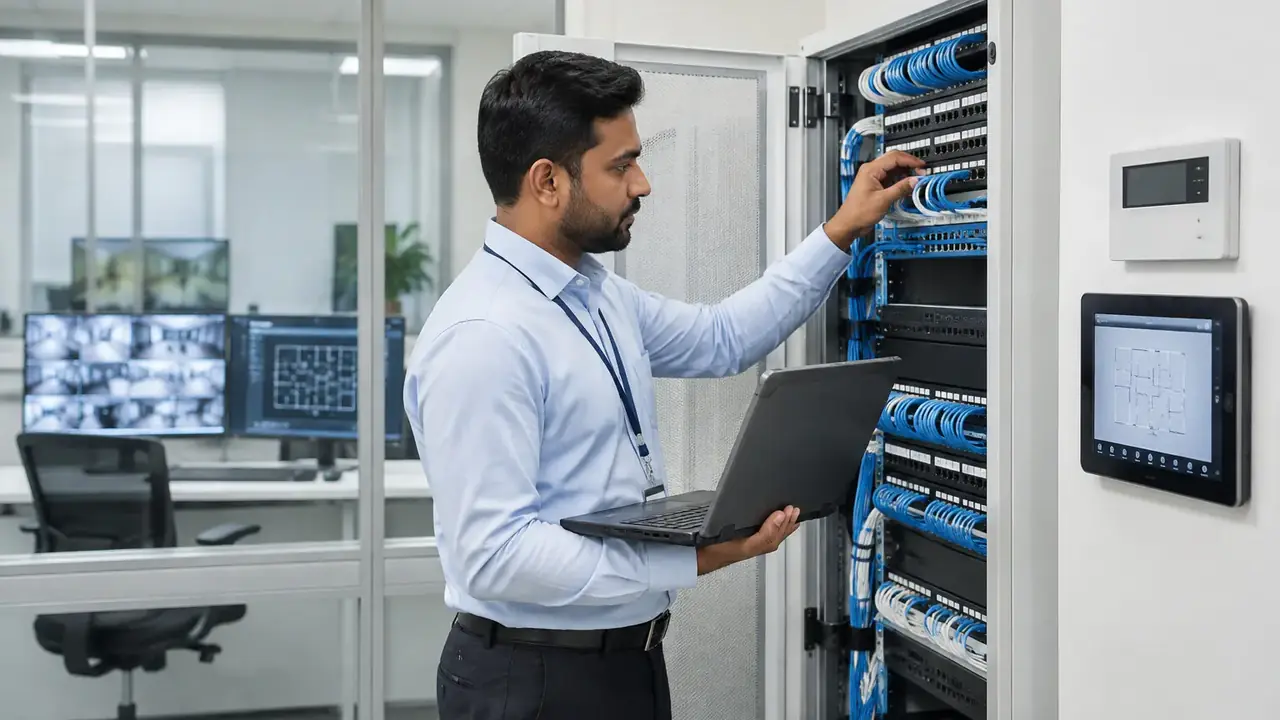
Every CCTV camera, access controller, Wi-Fi access point and desk phone depends on cabling. Devices get replaced every few years. Cabling usually stays for the life of the fit-out. That is why the choice of cable category and the quality of installation matter.
What structured cabling means
Structured cabling is a standards-based system of backbone and horizontal cables, patch panels, outlets and racks. International standards such as ISO/IEC 11801 and the TIA-568 series define categories, distances and testing. Following them means any compliant device will work on the network.
Cat6
Cat6 supports Gigabit Ethernet up to 100 m. It can carry 10 Gigabit Ethernet only over shorter distances, typically up to around 55 m depending on conditions. It is cost-effective for many offices where desk outlets run at 1 Gb/s.
Cat6A
Cat6A supports 10 Gigabit Ethernet over the full 100 m channel and has better performance against alien crosstalk. Its larger conductors also handle heat from high-power PoE better, which matters for Wi-Fi 6 and 7 access points, PTZ cameras and other PoE devices. The cable is thicker, so containment must be sized for it.
Fibre
Fibre carries data over long distances without electrical interference. Multimode fibre (such as OM3 and OM4) suits links within a building. Single-mode fibre (OS2) suits campus links and long runs. Fibre is the standard choice for backbones between the main equipment room and floor telecom rooms.
Comparison
| Cat6 | Cat6A | Fibre | |
|---|---|---|---|
| Typical use | Desk outlets, phones | Access points, cameras, new builds | Backbones, long links |
| 10 Gb/s distance | Short runs only | Up to 100 m | Hundreds of metres to kilometres |
| PoE | Yes | Yes, better for high power | No (needs local power) |
| Space in containment | Small | Larger | Small |
Installation quality matters more than the label
- Respect bend radius and avoid crushing cables with tight ties.
- Keep separation from power cables as the standard requires.
- Plan containment with spare capacity, especially for Cat6A.
- Use one manufacturer’s system if a system warranty is required.
Testing and documentation
Certify every copper link with a cable analyser and test every fibre link for loss. Hand over the test results, labelled as-built drawings, rack layouts and a port schedule. When a new camera or access point is added, good records save hours.
Cabling supports systems such as CCTV and access control. Synthronix installs and certifies structured cabling as part of our ELV contracting service.